OneDrive

This integration is available to users assigned a Way Better or Enterprise license.
Connecting OneDrive
Like all integrations, you can connect OneDrive to CallConnector.ai in the "App Authorization" tab of the CallConnector.ai dashboard.
Click on Dropbox in the list of available integrations, and authorize the connection when prompted. You will see a green check mark when the connection succeeds.
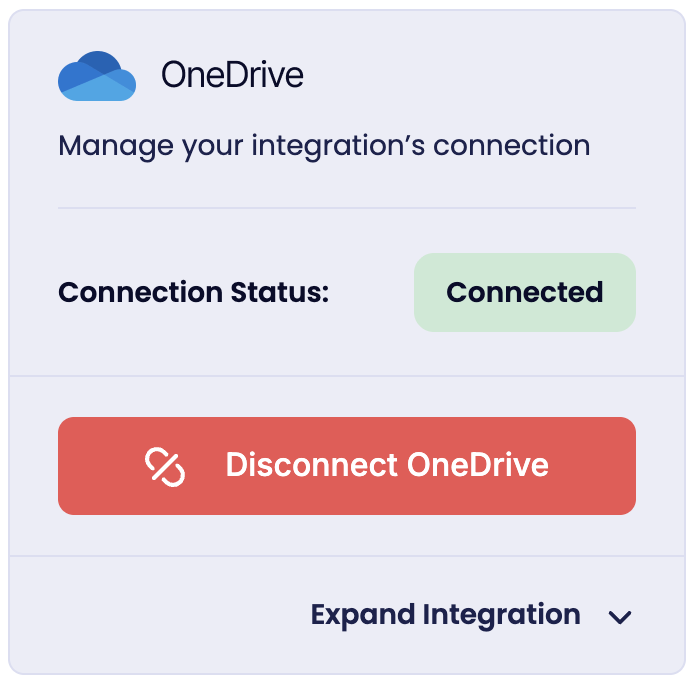 OneDrive as it appears after it has been connected.
Recording and Transcript Storage
Call recordings and transcripts are stored in a folder format consistent with all other cloud storage providers that integrate with CallConnector.ai
Related Articles
Cloud Storage
This feature only impacts users who are subscribed to a Way Better or Enterprise license. What is CallConnector.ai Cloud Storage Feature? CallConnector.ai automatically stores your call recordings and transcripts in your connected cloud storage ...Cloud Storage
Cloud Storage determines whether call recordings and transcripts are uploaded to your connected storage apps like Google Drive, Dropbox, or OneDrive. How it works When a call is recorded, CallConnector.ai downloads the recording and uploads it to ...What is CallConnector.ai?
CallConnector.ai is an intelligent middleware platform designed to unify communications and case management, primarily targeted at legal practices but with features highly applicable to help desk and customer support environments. It acts as an ...Dropbox
Connecting Dropbox Like all integrations, you can connect Dropbox to CallConnector.ai in the "App Authorization" tab of the CallConnector.ai dashboard. Click on Dropbox in the list of available integrations, and authorize the connection when ...Google Drive
Connecting Google Drive Like all integrations, you can connect Google Drive to CallConnector.ai in the "App Authorization" tab of the CallConnector.ai dashboard. Click on Google Drive in the list of available integrations, and authorize the ...